Profile picture
A professional profile picture for everywhere your name shows up.
The small round photo next to your name is seen more often than any other: in Slack and Teams, your email signature, the company website and every chat. Get a professional profile photo from one photo of yourself, in minutes.
4, 8 or 12 photos · from 1–3 of your photos · ready in minutes




See this shoot on Sophie

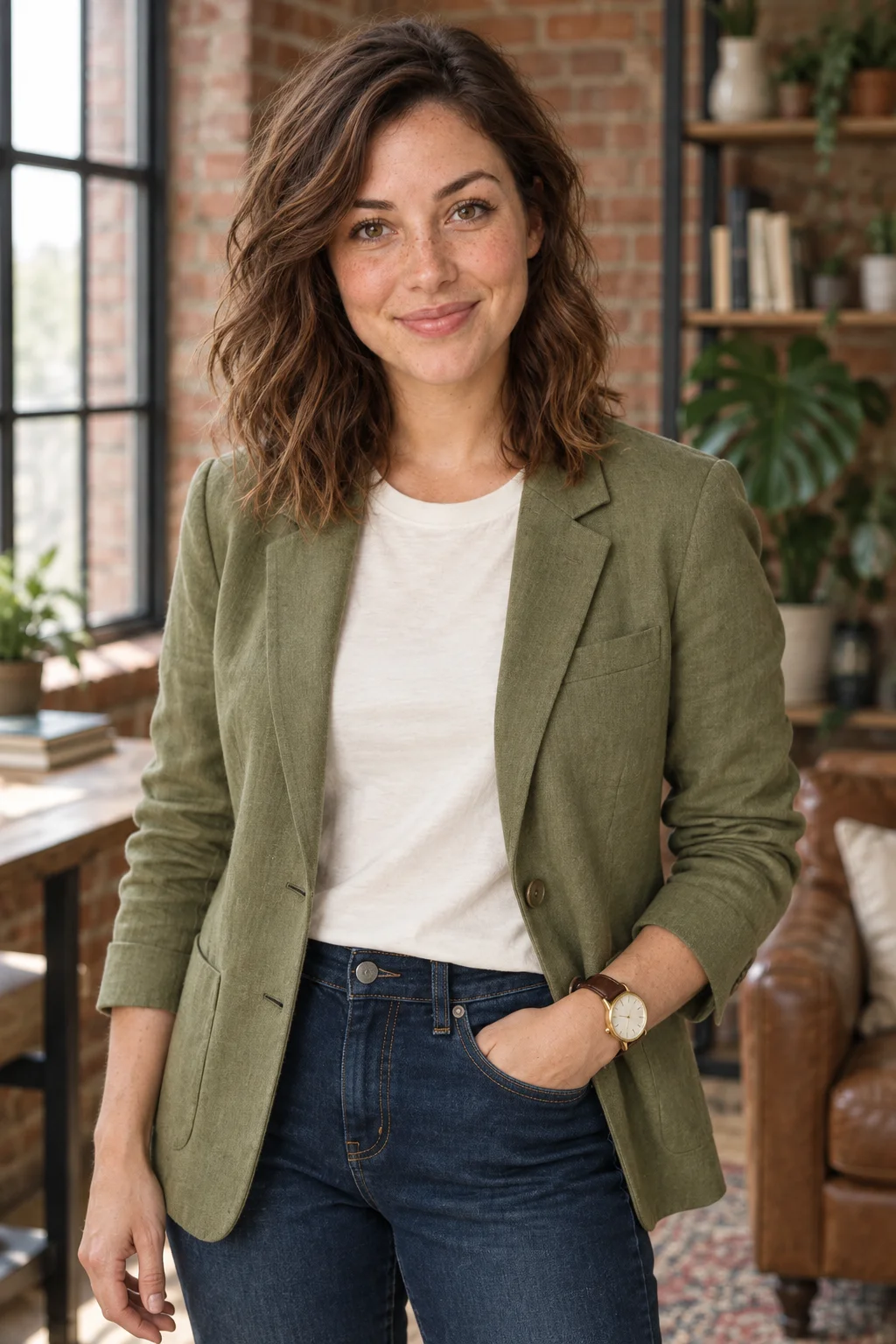 Photoshoot
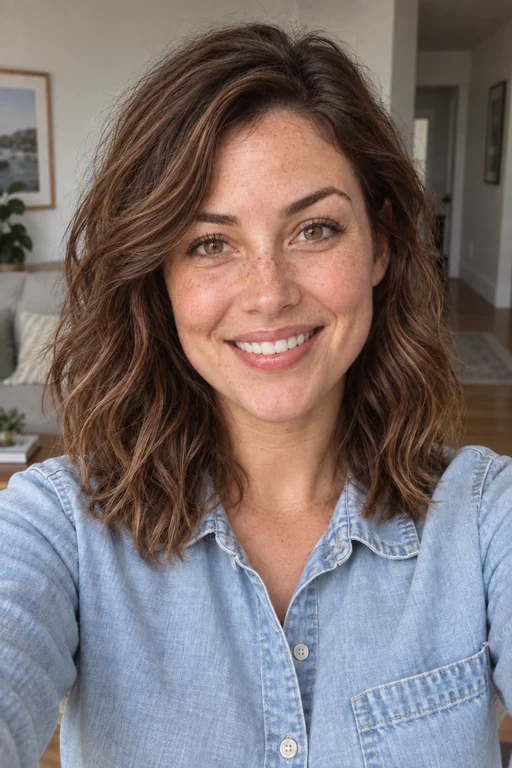 Your photo
The photo of you people see most
A recruiter sees your résumé photo once. Your profile picture is seen by everyone you work with: next to every message in Slack or Teams, in every calendar invite, in every email with a signature.
And yet it's often the weakest photo we have – a crop from the office party, a gray circle with initials or a picture that was already old at the last job.
A good profile photo doesn't need much: your face large enough, kind light and a calm background. That's what every scene gives you, from one photo of yourself.

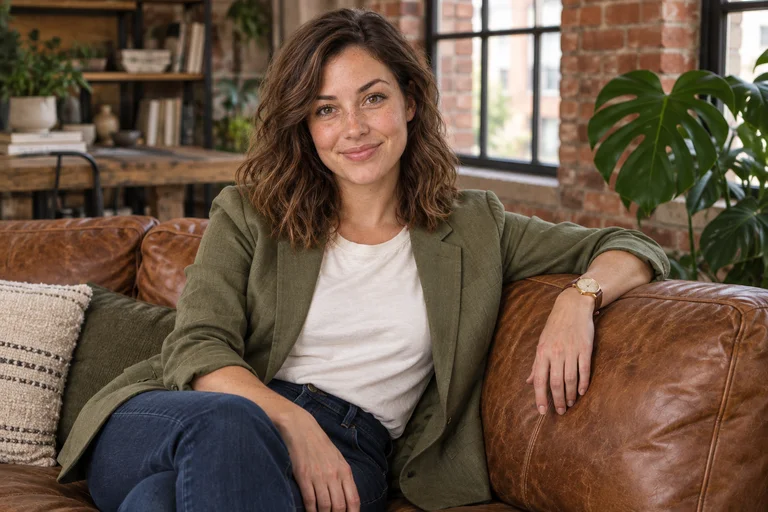
Profile picture ideas that work small
Head and shoulders, so your face is still recognizable as a tiny circle. A background with some warmth or color, so it stands out against white interfaces. A slight smile, because people usually see your profile picture when they need something from you. The close-up of every business scene is built exactly that way, so it works in Slack, Teams, Outlook and the company directory alike.

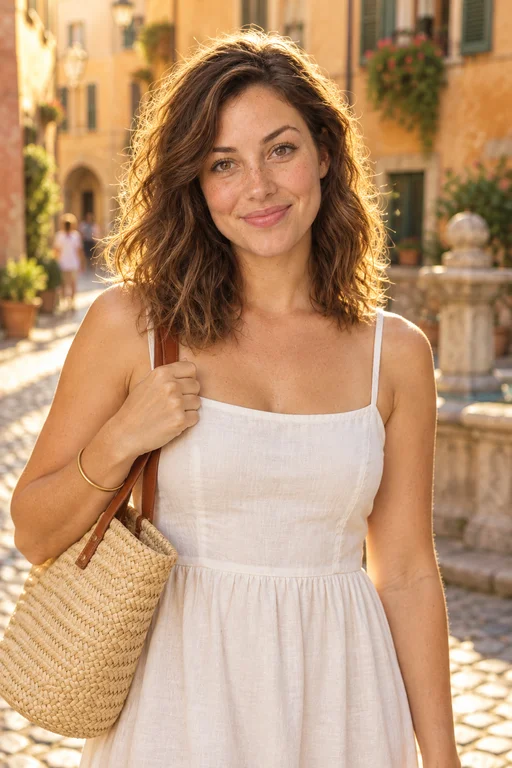
Professional, or a little more personal
For the company site and your signature, a professional profile photo from the studio or the office. For group chats, clubs and everything personal, it can be warmer: a café morning or golden hour. Using the same face across all of them helps people recognize you wherever they meet you. For LinkedIn there's a guide of its own. One shoot gives you both.
The office-party crop, or a real profile photo.
| A photo you already have | usePhotoshoot | |
|---|---|---|
| Framing | Cropped from a group shot, blurry when enlarged | A close-up made for the small circle |
| Light | Whatever the evening had | Soft and even, in every photo |
| Background | People, glasses, a wall | Studio, office, loft or city, calm and soft |
| Up to date | Often years old | Made from photos of you today |
| Price | Free, and it shows | Credit packs from € 9.99, no subscription |

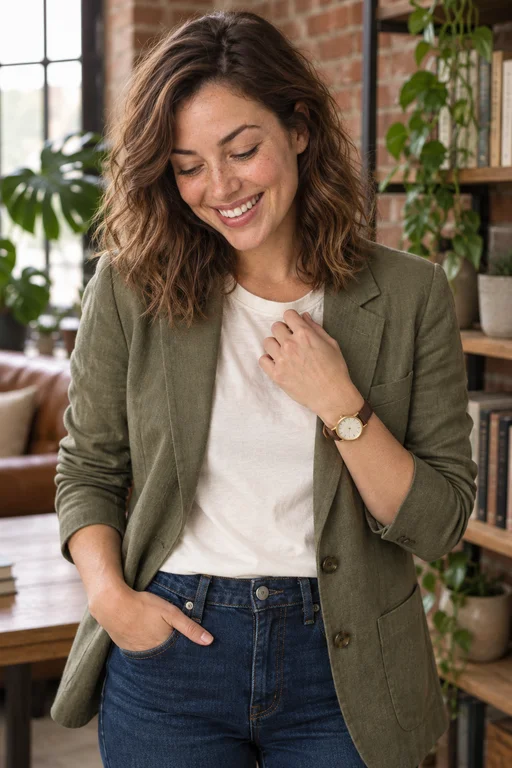



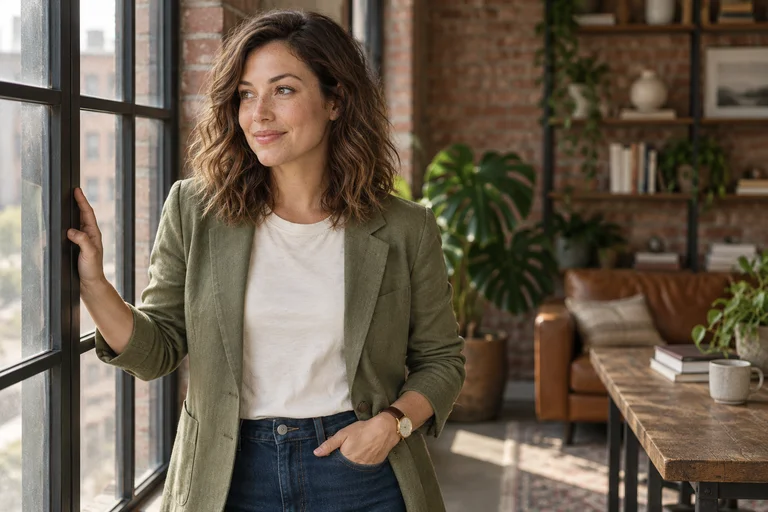







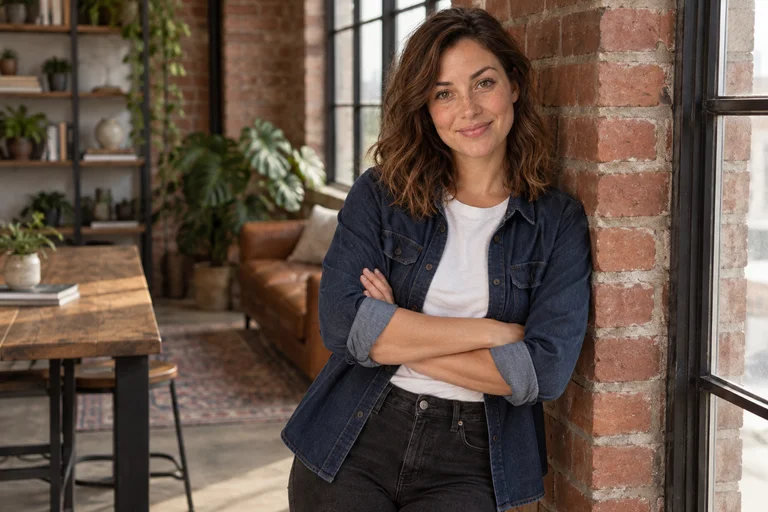








Professional profile picture at a glance
- Scenes
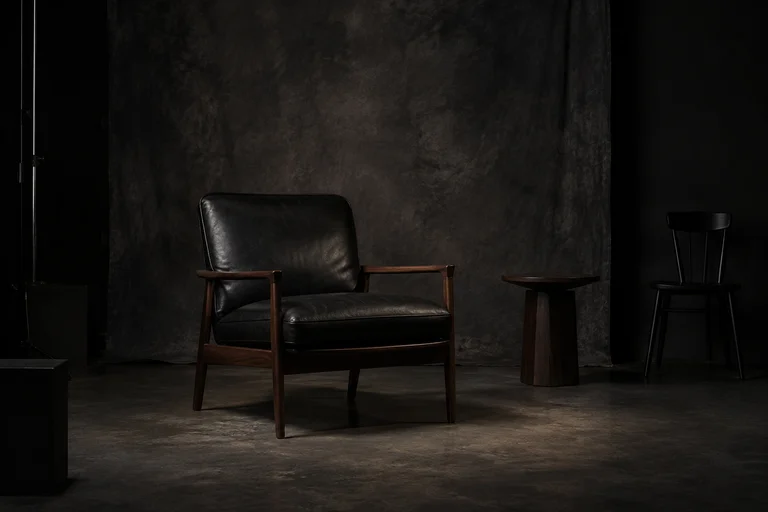
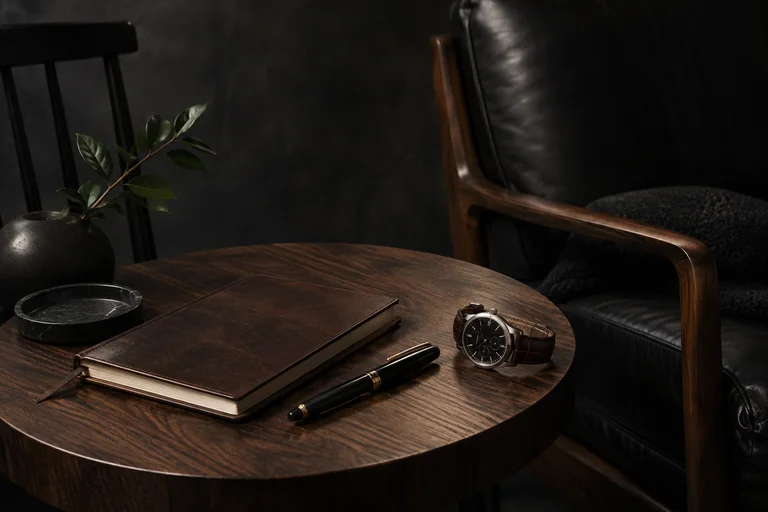
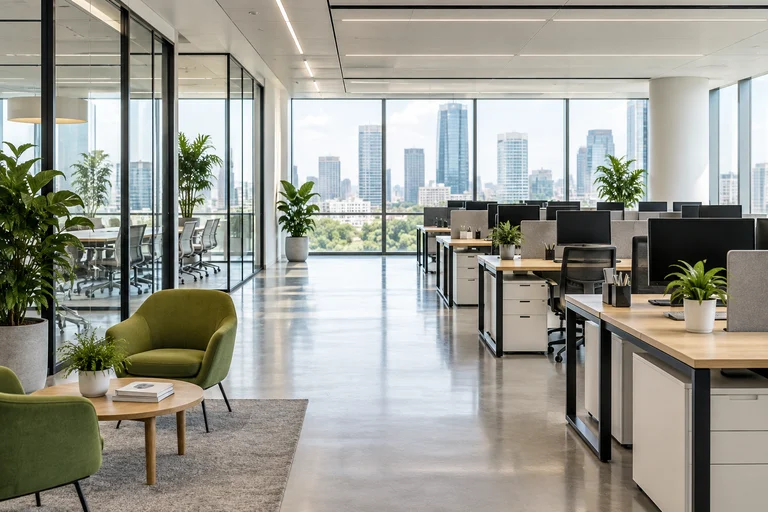
- Studio Headshot · Executive Dark · Modern Office · City Business · Creative Loft
- Looks
- A business look and a smart-casual one in every scene
- Your shoot
- 4, 8 or 12 photos, or single shots you pick
- You upload
- 1–3 photos of yourself
- Ready
- In minutes, in full resolution
- Price
- Credit packs from € 9.99, no subscription
- Kept as they are
- Your face, build, glasses and beard
- How it's made
- AI-generated from your own photos; the examples show fictional models
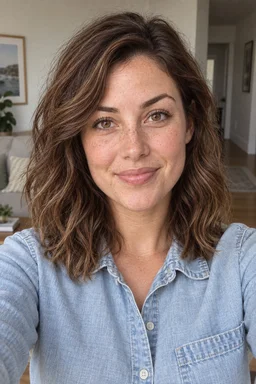
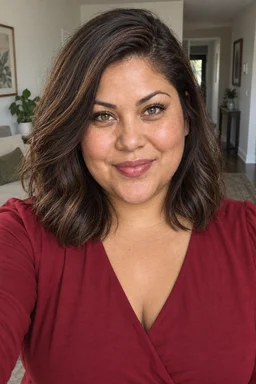
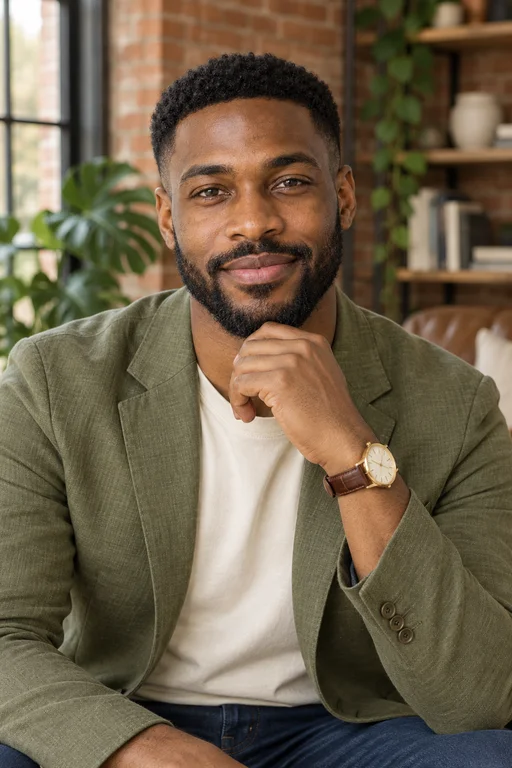
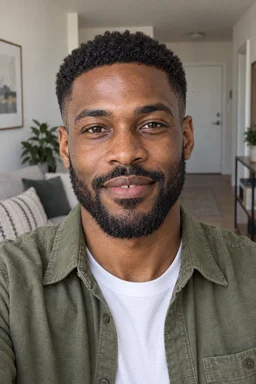
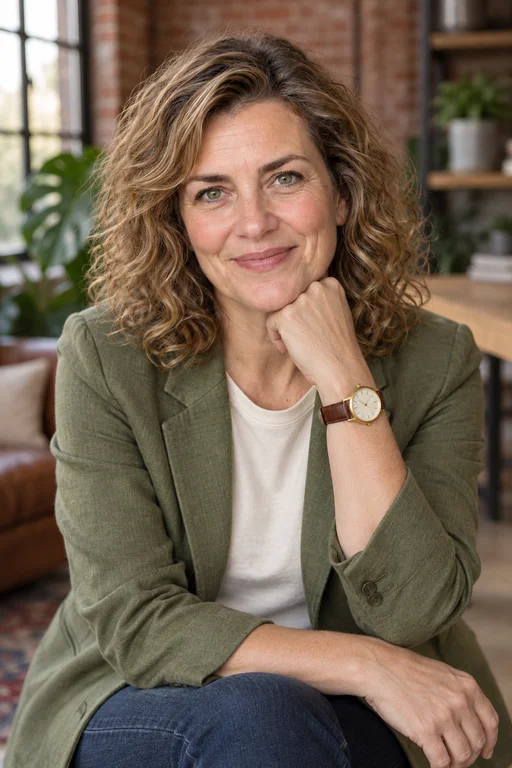
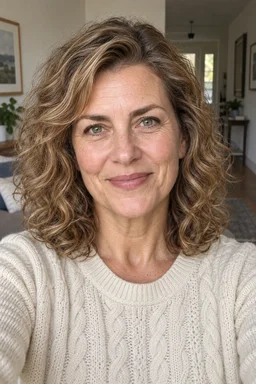
One scene, 8 different people.
The same shot from our Creative Loft scene, made from each person's photos. Yours is made from yours: your face, your build, your glasses and beard stay as they are. Pick a person to see the whole shoot on them.























How it works
- Pick your shoot4, 8 or 12 photos as a curated set, or single shots you choose.
- Pick your outfitThe scene's looks, one of your own making, or your own clothes.
- Add your photoOne clear photo of you is enough; three look even more like you.
- Get your photosIn minutes, in full resolution, yours to keep and use.
Credit packs from € 9.99 get you up to 20 photos · no subscription
- 2 free photos for new accounts
- Refunded automatically on a technical failure
- Your uploads are deleted once your photos are ready
Professional profile picture: questions
How do I get a professional profile picture?
Upload one to three clear photos of yourself, pick a scene and get a whole set. Use the close-up as your profile picture; the other photos fit the company site or a banner.
Which photo should I use where?
The close-up for Slack, Teams, email and the company directory, a half-body portrait for the about page, and the landscape shot as a banner wherever a platform has one.
Can I use it on Instagram or WhatsApp too?
Yes, the photos are yours, for personal profiles as well. For a warmer look, the lifestyle scenes are softer than the business ones.
Can I wear what I wear at work?
Yes - upload a photo of it, and your profile picture shows you the way colleagues know you. Or keep the scene's business look.
What size do I get?
Full resolution. Platforms shrink a profile picture themselves; just crop it so your face is centered.
Which business scene fits you?
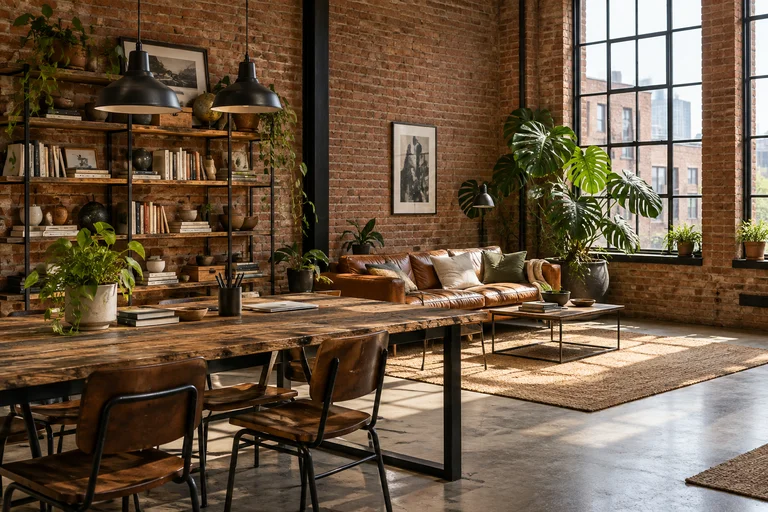
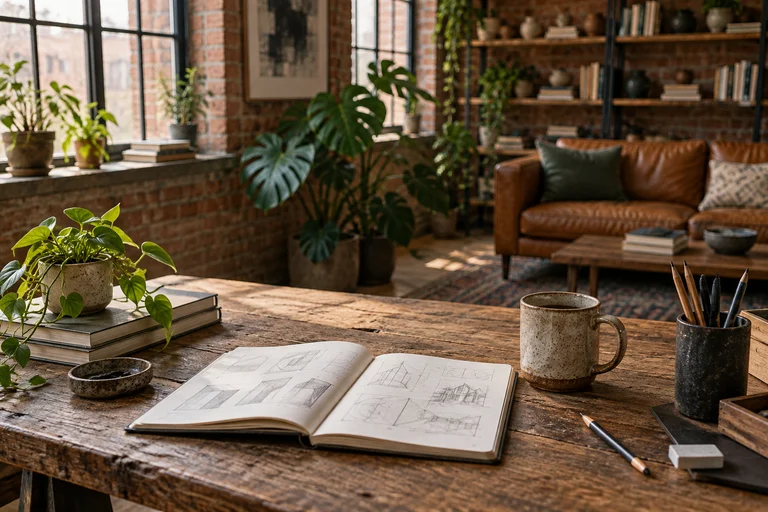
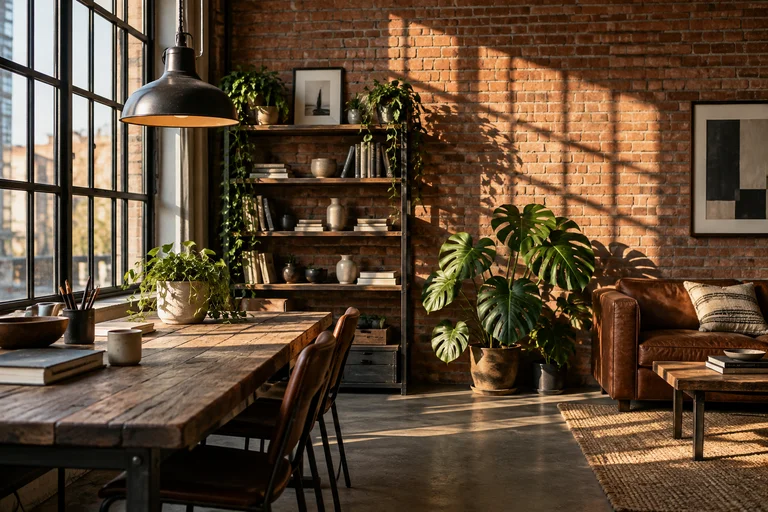
Studio Headshot is the safe, bright classic for applications and LinkedIn. Executive Dark adds authority for leaders and speakers. Modern Office and City Business show you in context, Creative Loft is for founders, coaches and anyone whose clients buy the person.
















More guides
Your new profile picture, in minutes.
Upload a photo of yourself, pick a scene and choose your profile photo.